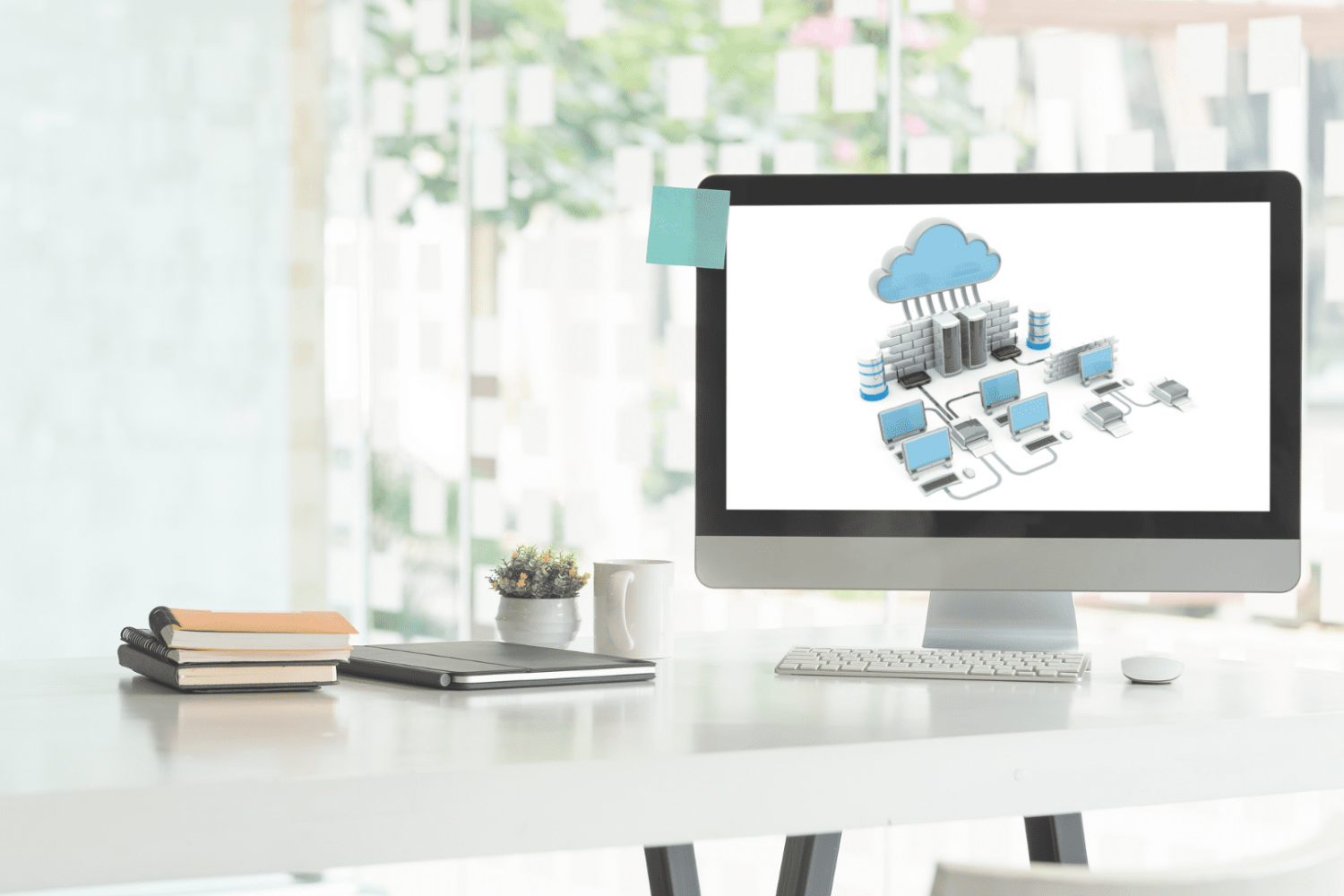
Hosting a website at home can sound tricky and something only tech experts do. But with modern technology, it’s now easier for many of us to try. You can use everyday devices like your computer or a Raspberry Pi. Or, you might pick a fancier server. It’s important to consider the good and tricky parts of doing this.
Why Would One Want to Host a Website Locally?
Hosting a website from your home has some fantastic benefits compared to usual ways.
First, you feel like it’s yours because the server is right there with you. You don’t have to worry about surprise rules from other companies. If something needs fixing or upgrading, you can do it yourself right away.
Also, if you’re worried about where your website’s data is kept, hosting at home means it stays in your country and under your watch.
Plus, having your website at home lets you play around, test things, and learn without spending as much or being limited, like with big hosting companies.
Pros of Hosting a Webserver at Home
- Cost Savings: Hosting a website from home can save you the monthly fees associated with professional hosting services. Especially beneficial for long-term projects.
- Full Control: When hosting from home, you have complete control over the server environment, meaning you can tweak and adjust as you see fit. You can modify server settings, configurations, and software to your needs.
- Learning Experience: For those passionate about IT and web technologies, this is a great hands-on learning experience.
- Data Privacy: Keeping your data within your control and not on third-party servers can be a more secure solution for some. You can avoid third-party access to your data and files.
- Direct Access: Quick and easy access to server hardware in case any physical modifications or upgrades are required.
Cons of Hosting a Webserver at Home
- Uptime Concerns: Home internet connections might not be as reliable as data center-grade connections.
- Higher Energy Bills: Servers, especially advanced ones, can consume much power when running 24/7.
- Security Concerns: You may expose your home network to threats without proper knowledge. Regular software and security updates are crucial.
- Dynamic IP Issues: Most home internet connections have a dynamic IP. This means the public IP address changes periodically. While solutions like Dynamic DNS (DDNS) exist, they can be technical for the average user.
- Limited Resources: Computers or devices at home might not be as robust as professional-grade servers, potentially slowing down the website for visitors.
Hosting A Website: The Basics
What options are available?
- Desktop Computer: The most basic method to start. Depending on your desktop’s power, it can be adequate for personal websites or small projects.
- Raspberry Pi: A compact and cost-effective way of hosting lightweight websites, making it a popular choice among hobbyists.
- Advanced Home Servers: These are specialized computers designed for server tasks, offering better performance and stability for larger websites or multiple web projects.
Let’s expand. Setting up a home server to host a website requires a dedicated device that is always powered and connected. The choice of this device can significantly influence the website’s performance, uptime, and overall experience for the website’s visitors. Here’s a breakdown of various devices one might consider for hosting a website at home.
Hosting a Web Server with a Desktop Computer or a Laptop
For those starting out, using a desktop computer or an old laptop lying around might be the easiest way to try hosting a website from home. If they aren’t super old, these machines usually have enough power and memory to run your personal website or a small online app.
The main benefit here is saving money since you’re using something you already have. But keep in mind, regular computers aren’t made to be on all the time, so they might wear out or break sooner. Also, they might use more electricity compared to devices made especially for hosting.
Hosting a website using your gear can be a fun and rewarding project. If you’re just starting and want to practice or experiment with web design or app development, your old laptop or desktop might do the trick. But it’s good to know that as your website grows, you might need to look into more powerful and energy-efficient options. Always weigh the pros and cons, and have fun as you learn and build!
Hosting a Web Server with Raspberry Pi
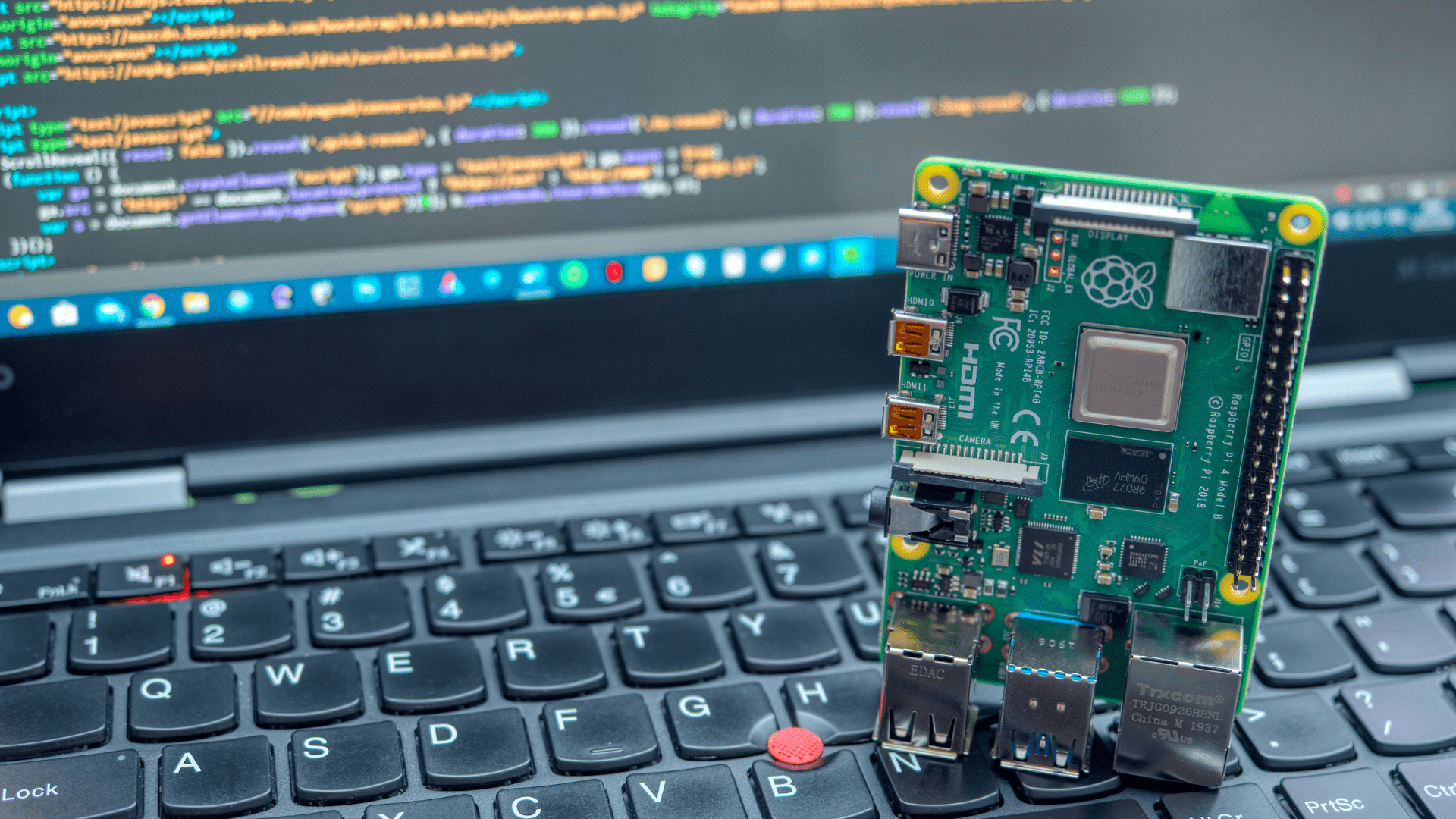
The Raspberry Pi is like a tiny computer, about the size of a credit card, and many people love using it for fun projects and learning. It’s small, doesn’t use much power, and is not too pricey, making it suitable for hosting simple websites.
This tiny computer uses a Linux operating system, which lets you run server software, such as Apache or Nginx. Even though its hardware isn’t super powerful, it’s good enough for basic websites. But for bigger websites with lots of visitors, there might be better choices.
When thinking about hosting a website from home, pick what’s best for you, your project, and how much you want to spend. It could be an old laptop, a Raspberry Pi, or something even more advanced. Knowing what each option can and can’t do helps you have a better website hosting experience.
Steps to Hosting a Website from a Home Server
- Setup: Get a dedicated computer or device.
- Install a server software (e.g., Apache, Nginx).
- Domain Name: Buy a domain name and set it up to point to your home IP.
- Handle Dynamic IP: Use a DDNS service to manage changing IPs if required.
- Configure Firewall and router: Set port forwarding and ensure your firewall allows external access.
- Maintain and monitor: Regularly update your software, monitor your server’s health, and watch for potential threats.
Summary
Hosting a website at home can save money, give you more control, and keep your data private. But, it also has challenges like keeping the site always available and safe from threats. Whether you use a regular computer, a small device like a Raspberry Pi, or something fancier, it can be a good experience if you’re ready and know what to do.